Karolina Hodurek | Product Designer
Problems and Goals
Problems
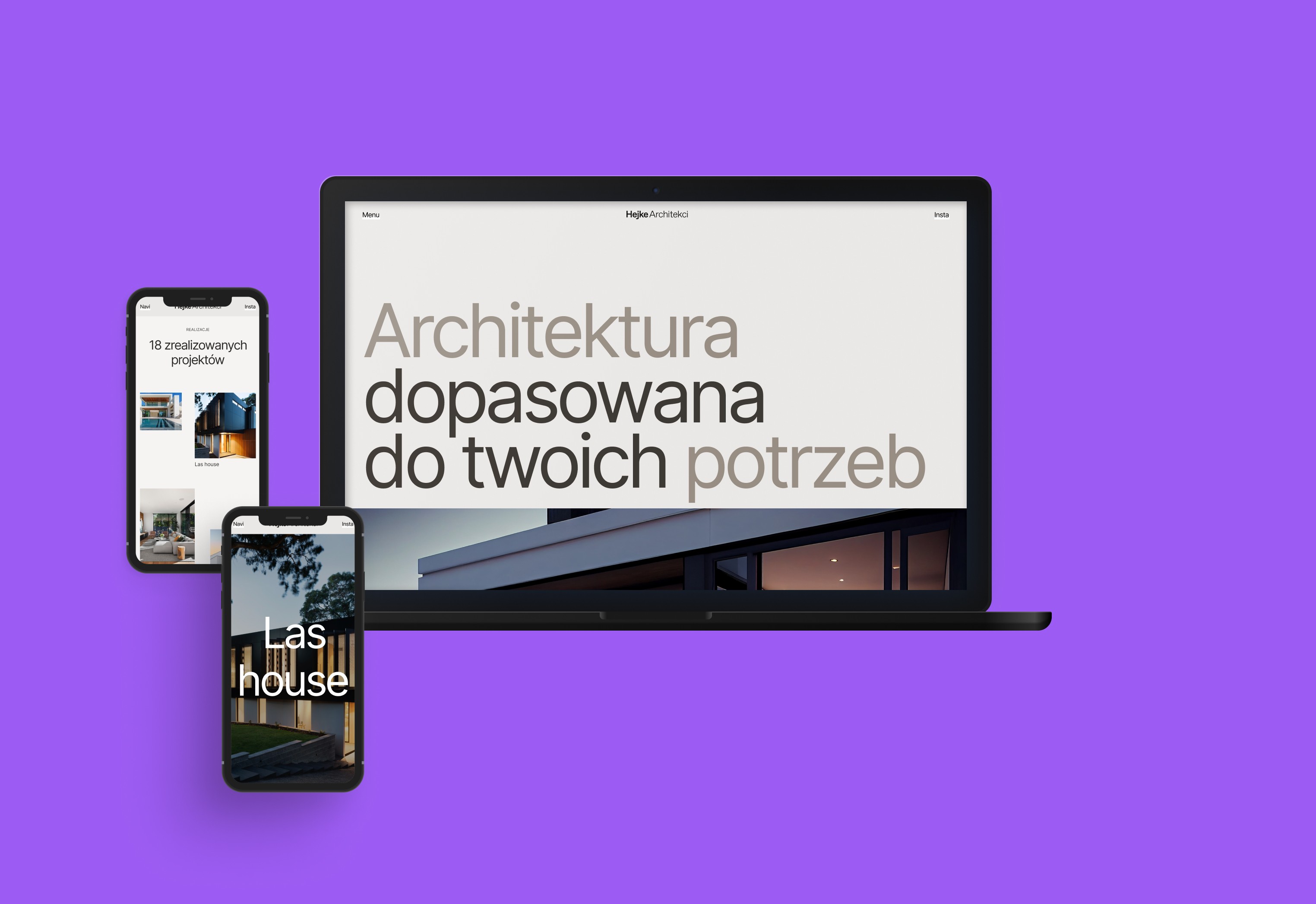
The studio lacked a cohesive, visually appealing website to effectively present their work.
There was a need for a fresh, creative approach to presenting content that would set the studio apart from competitors.
The website needed to fully utilize the visual potential of photographs and design projects while adhering to modern UI trends.
Goals
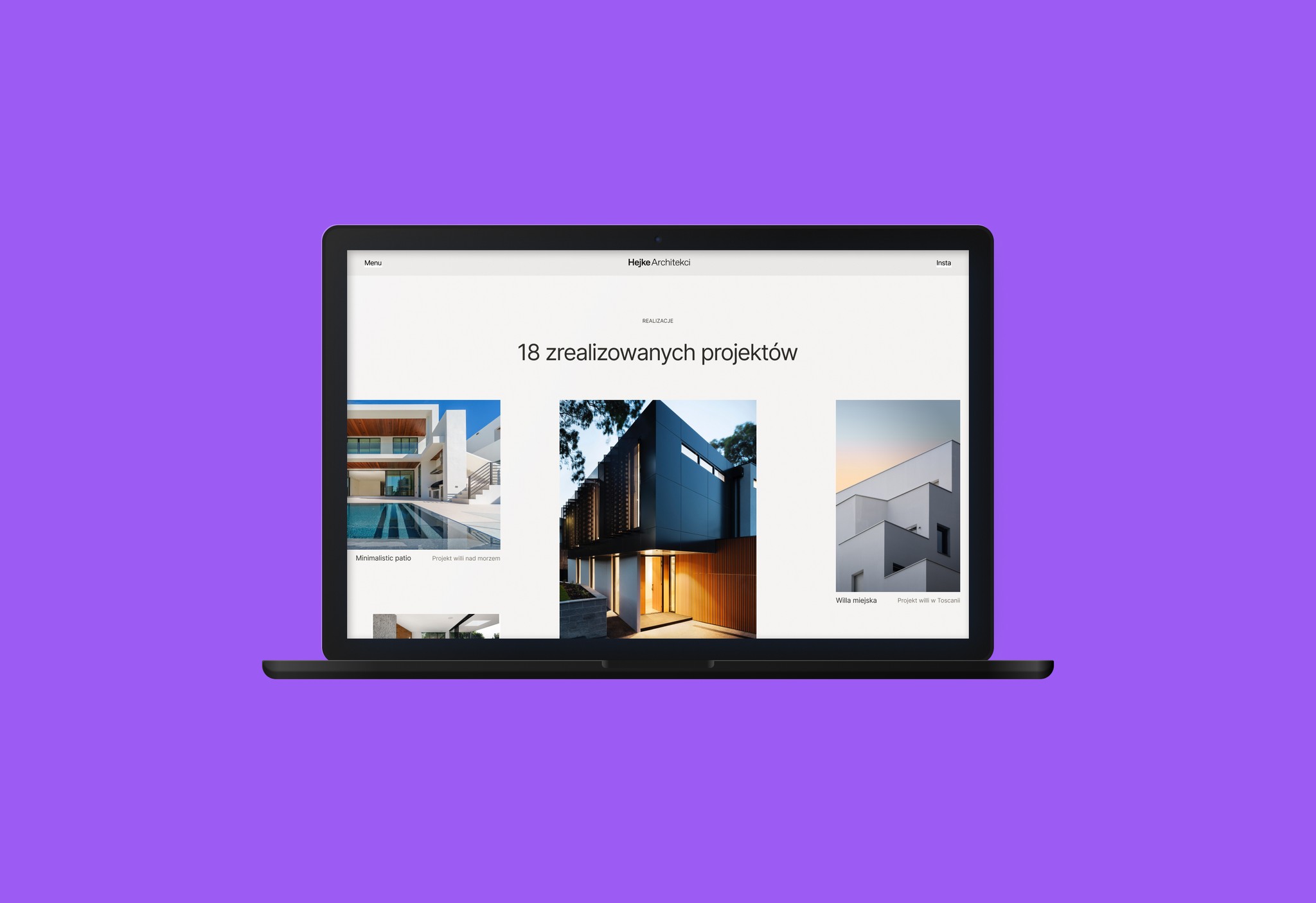
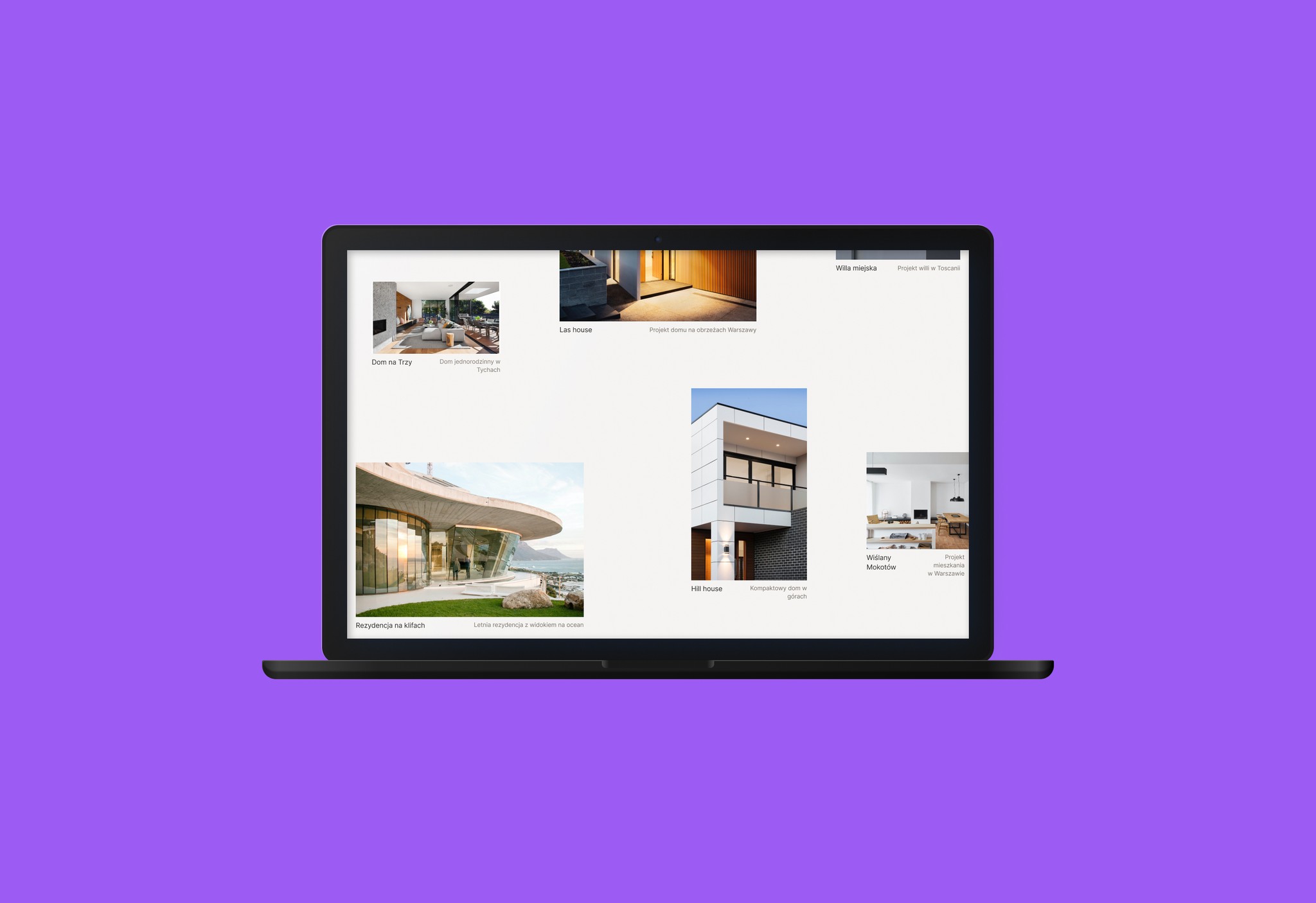
To create a portfolio that used creative, relaxed layouts to highlight projects.
Focus on aesthetics with subtle animations and interactions to engage users.
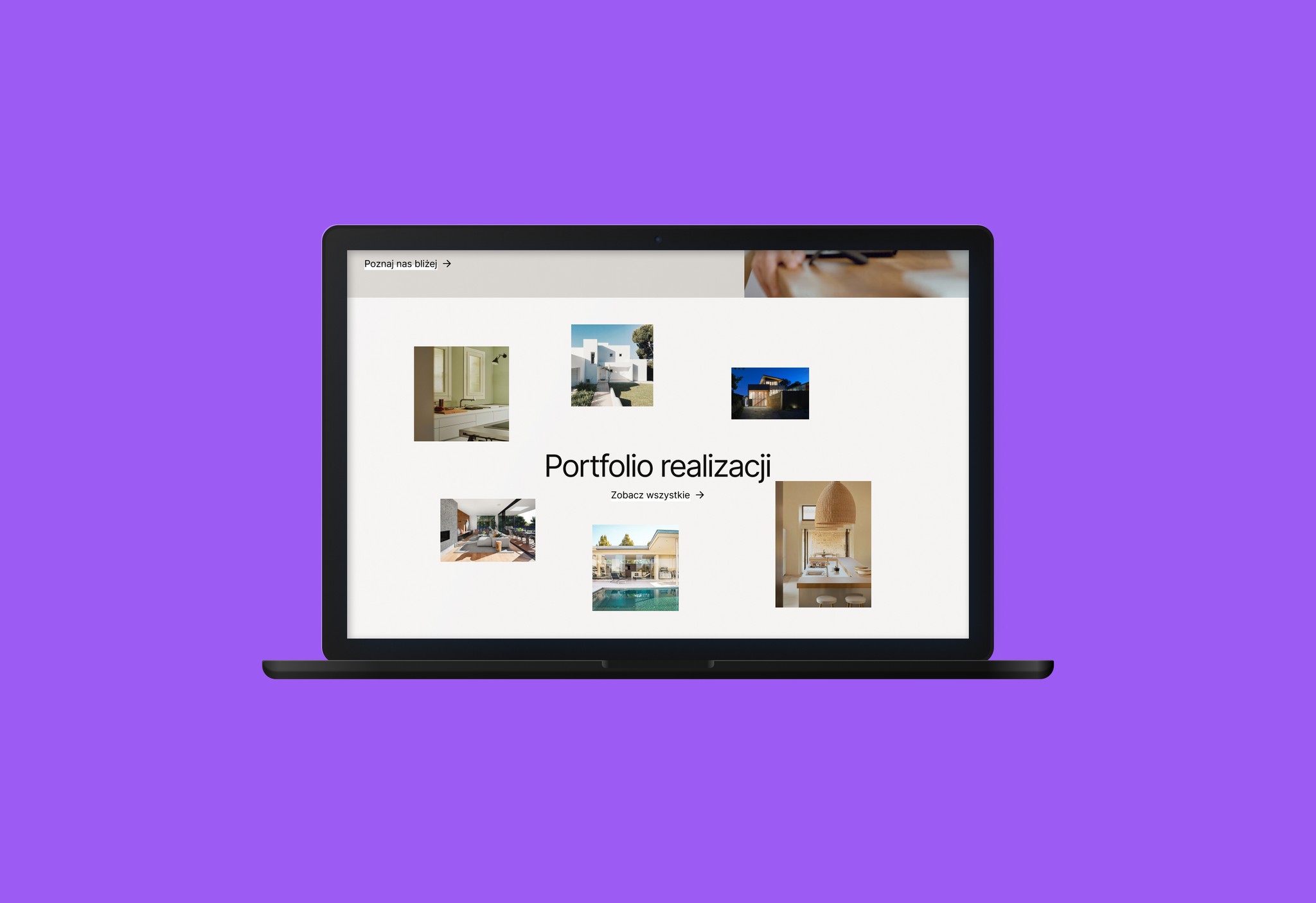
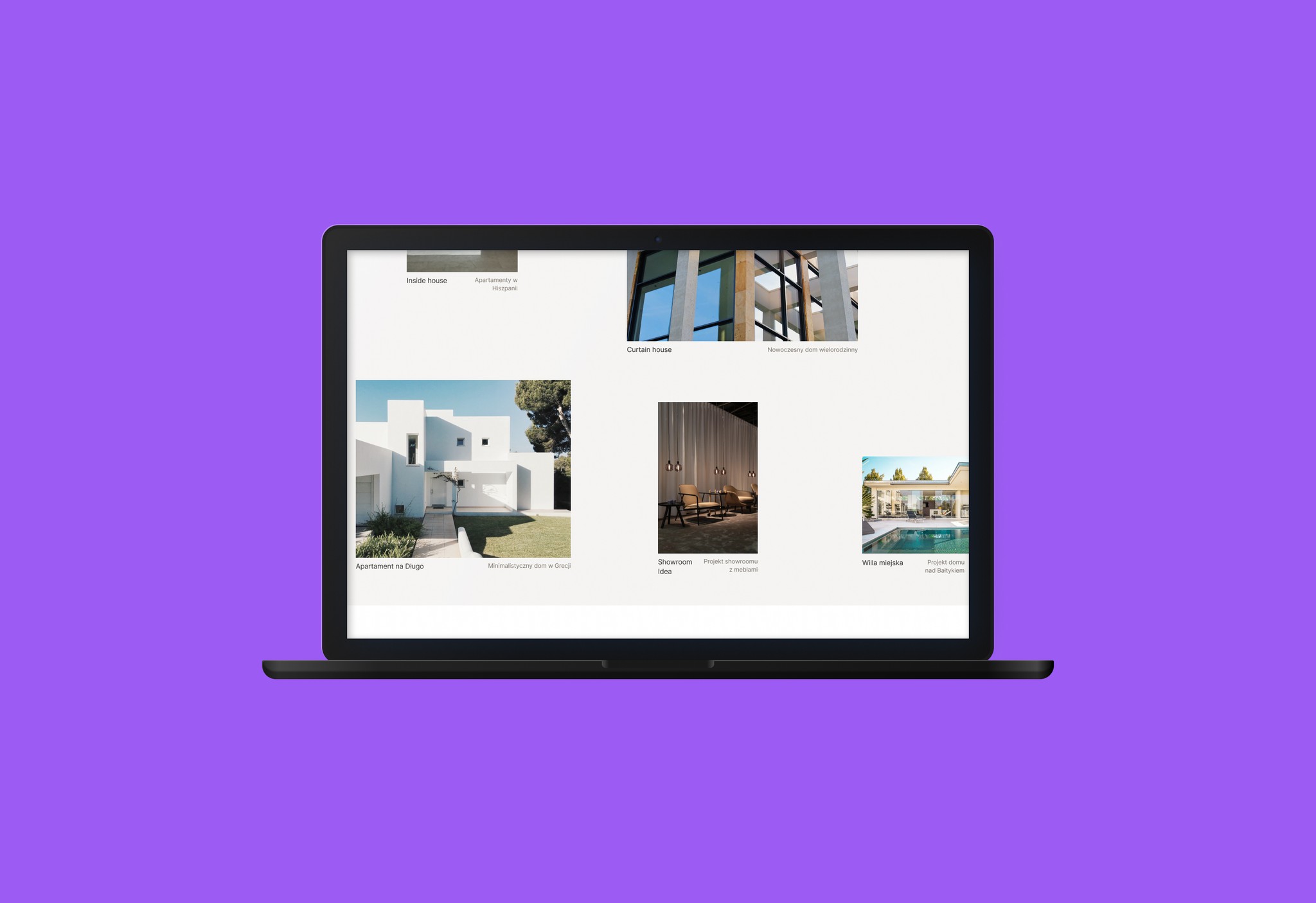
Provide ample space to feature selected projects and photos in an elegant, minimalist way.
Discovery and research
For this stage, I analyzed existing portfolios of other architecture and design studios, focusing on their aesthetics, layouts, and interactivity. I paid particular attention to:
Layouts and Grid Systems: I explored creative, yet relaxed layouts that allowed for an elegant presentation of images and projects. I was inspired by large, impactful images, minimalist backgrounds, and asymmetrical grids.
Animations: I observed subtle animations used for transitions, hover effects, and interactive elements that brought a sense of lightness without overwhelming the content.
Creative Presentation: Many portfolios utilized unique solutions like horizontal and vertical scrolling, changing layouts based on screen size, which enriched the user experience.
Final solution
Interactive Elements
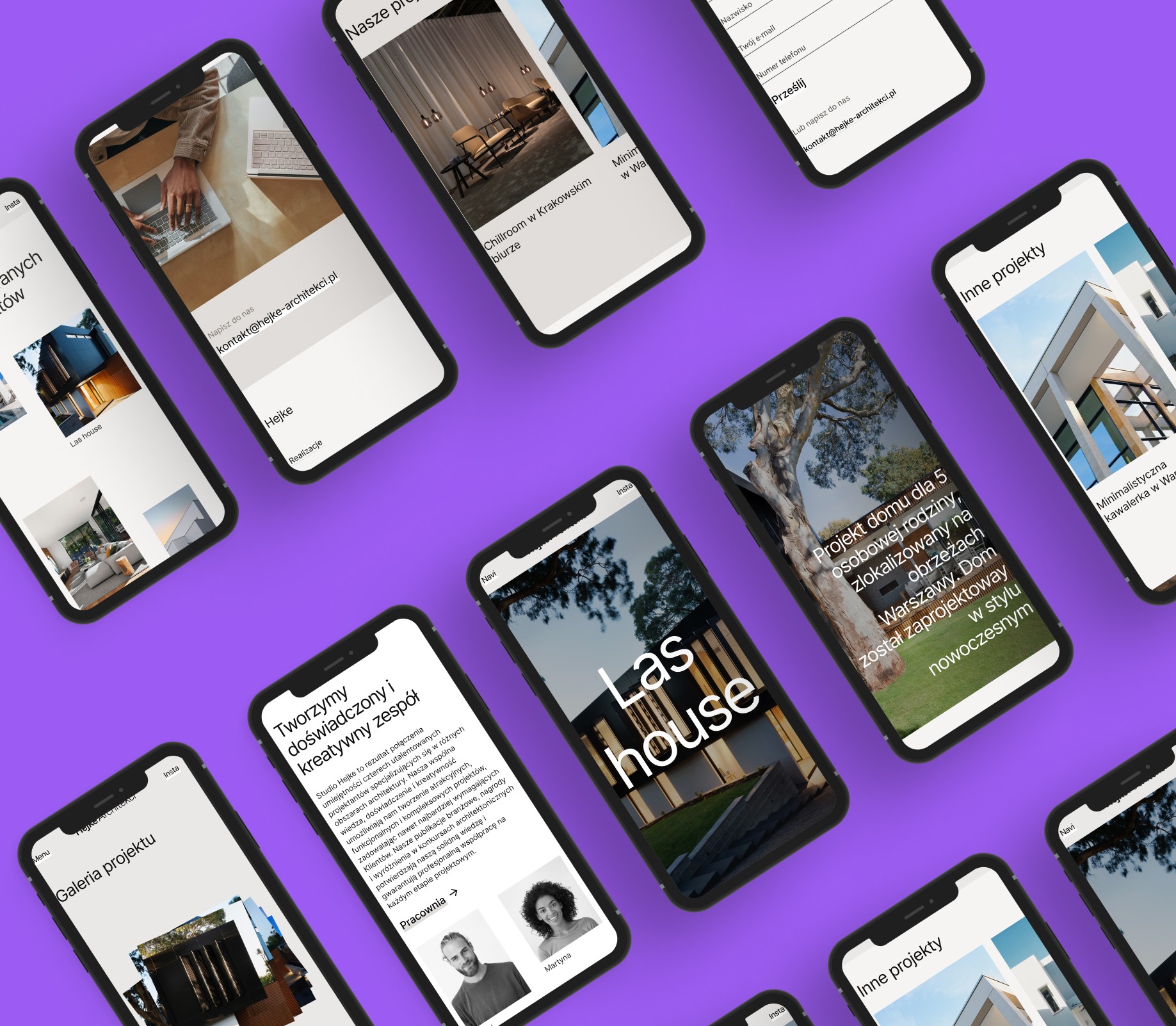
Subtle hover animations, such as image enlargements and sliding text, which provided a sense of dynamism and interactivity.
Aesthetic Appeal
The use of elegant typography, neutral color schemes, and large, high-quality images ensured the portfolio had a refined, professional look.ms and system notifications reduced manual input and minimized human errors.
Minimalist Layout
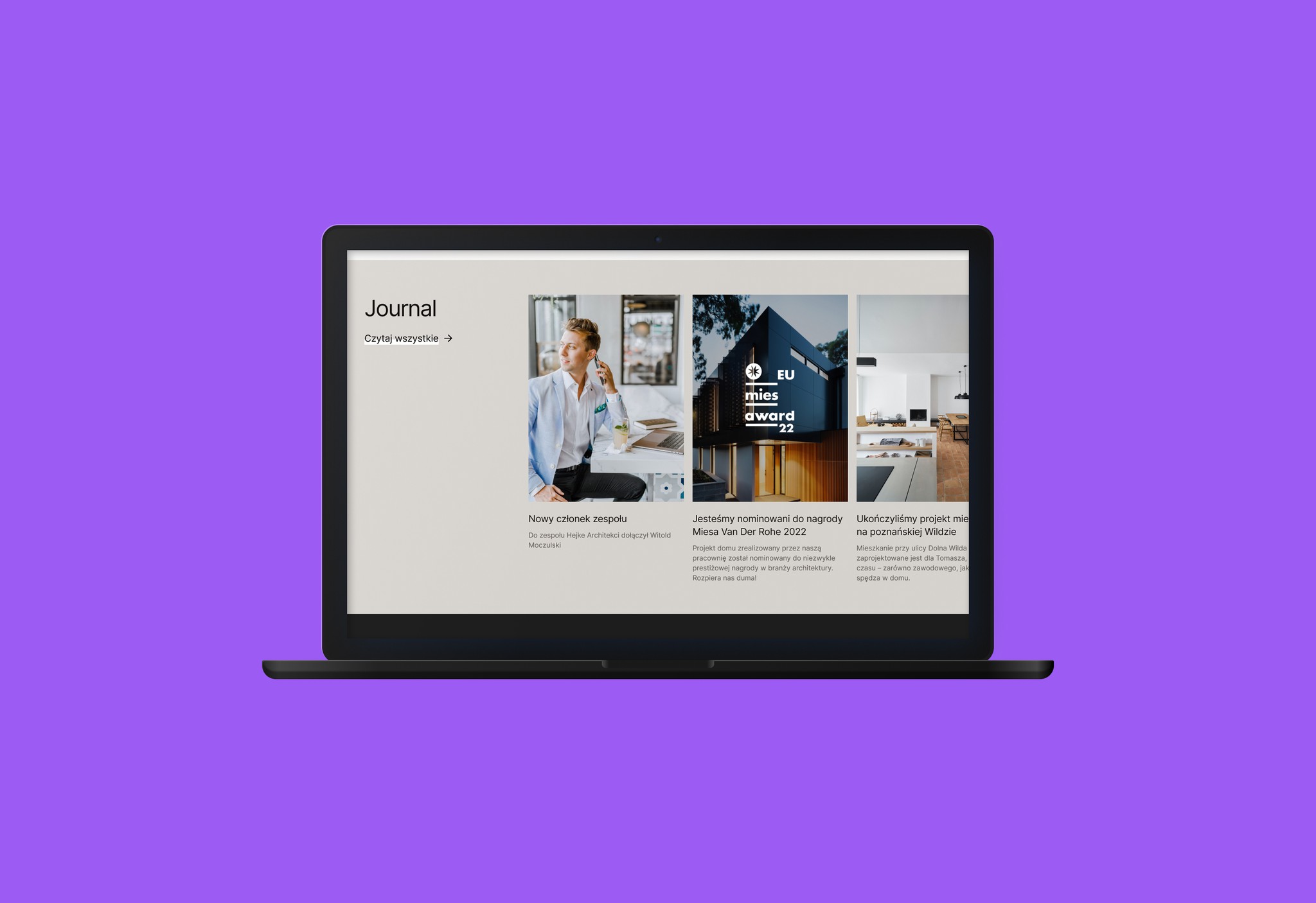
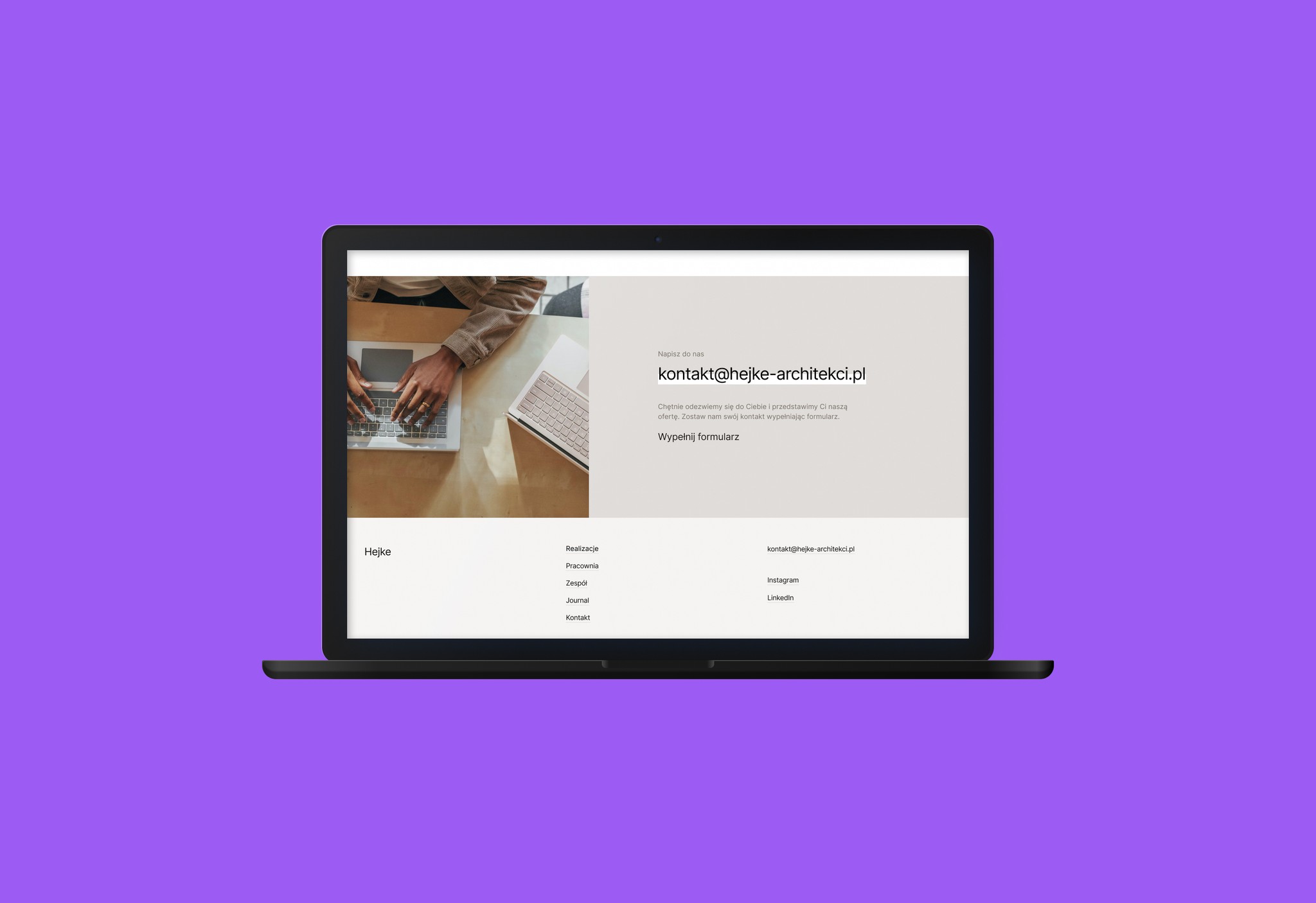
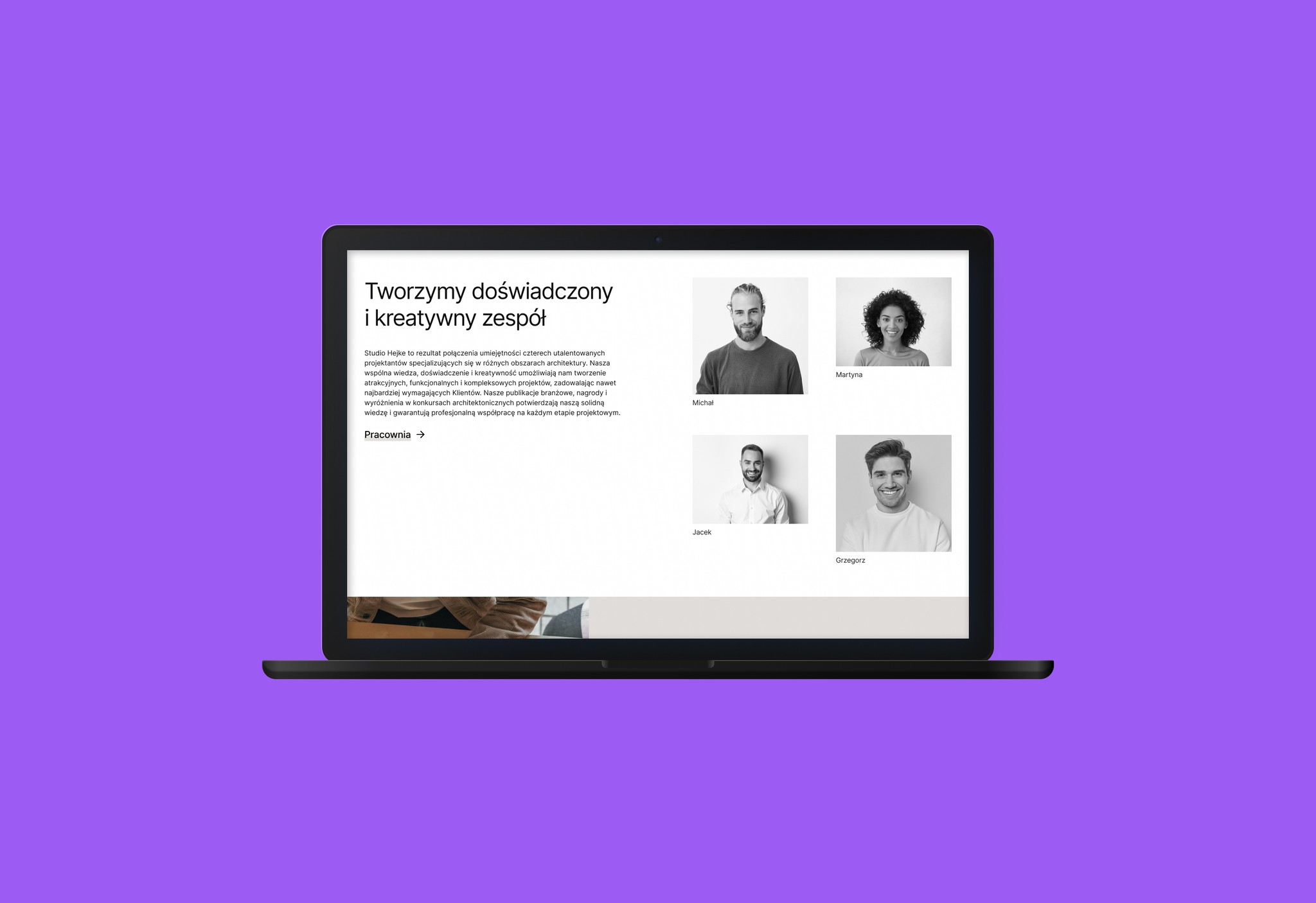
Clean backgrounds and ample space that allowed the photographs and projects to stand out. Every element was designed to complement the visual content with minimal distraction.
What I learned?
The Importance of Aesthetics in UI Design: Minimalism and space are crucial in creating elegant, functional layouts.
Using Animations in UI: Subtle animations and effects can significantly improve the user experience, making the website feel more dynamic and engaging.
Attention to Detail: Every element, from typography to images, had to work together harmoniously to create a consistent and polished final design.